
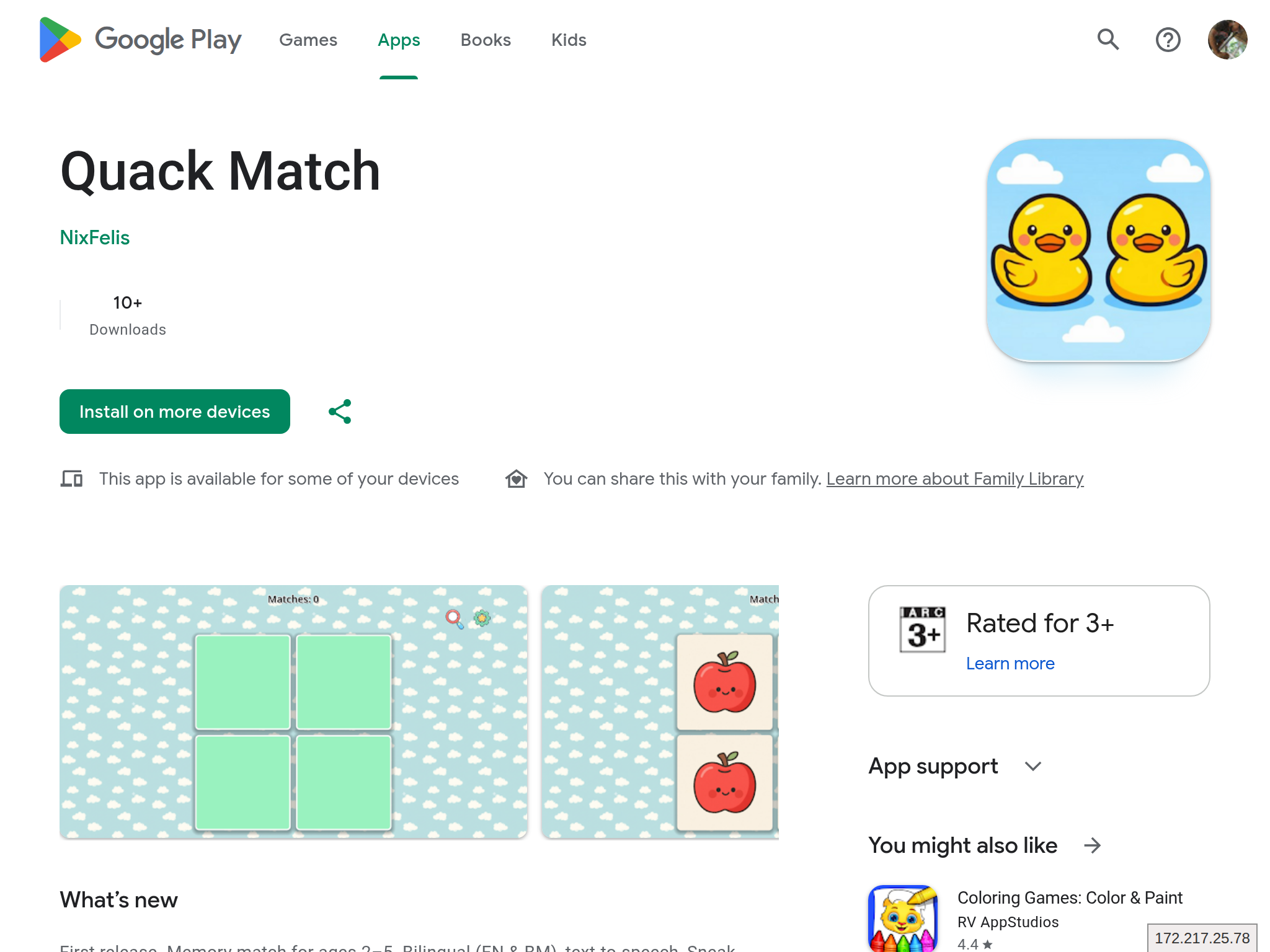
I recently published a game on Google Play.
As a solo developer, I expected the usual post-launch work: bug fixes, balancing, and small UX updates. What caught me off guard was the Play Console side.
After launch, I kept seeing account reminders, verification tasks, and testing-related requirements. None of this is complicated, but it is easy to underestimate until something gets blocked.
This post is my personal documentation for that process, written so you can reuse it for your own workflow.
What changed for me after launch
Google Play now expects stronger developer accountability. In practice, the things that mattered most to me were:
- Identity and contact details need to stay accurate and verifiable.
- Public profile details depend on account type and region, so I review what users can actually see.
- Testing requirements can block production access for new personal accounts.
The practical impact is simple. Even if your app build is ready, incomplete account tasks can still block publishing.
Extra challenge for solo developers: tester gate
One requirement that caused the most friction for me was the closed-testing gate for new personal developer accounts.
You need a closed test with:
- At least 12 opted-in testers.
- At least 14 consecutive days before applying for production access.
For a solo developer, this is not just QA. It is coordination work. You need enough people to opt in, stay opted in, and test consistently during the whole window.
What I learned is this: if the tester gate is not satisfied, you are simply not moving to production yet.
My release checklist now
This is the exact checklist I use before every Play Store update:
- Build and test the Android release on internal or dev track.
- Open Play Console and check policy cards, warning banners, and deadlines.
- Confirm account verification and developer contact details.
- Re-check App content tasks (Data safety, target audience, and any new required form).
- Verify support email and phone channels are still active.
- For affected personal accounts, confirm closed-test criteria are met (12 testers, 14 continuous days).
- Upload bundle and submit rollout only after all checks pass.
It adds overhead, but it is still better than discovering publishing blocks in the middle of a fix.
Quick references I used
Official policy and help docs
- Play Console Requirements
- App testing requirements for new personal developer accounts
- Set up an open, closed, or internal test
- Keeping your developer account information up to date
- Verify your developer identity information
- Contact information requirements for developer accounts
- Policy announcement: October 30, 2025
What other developers are saying
- Google Play Developer Community: Indie/Solo developer issues verifying account
- r/androiddev discussion: Google Play Developer Program Policy Update
- r/Android discussion: Android Developers Verification
Closing
Shipping solo already means juggling design, code, QA, listing, and support. Play Console compliance is now part of that same pipeline too.
I am very grateful to my friends and family members who helped with testing, gave honest feedback, and kept me going through the release process.
If you are publishing on Google Play, treat account checks and testing gates as hard requirements, not admin noise. Keep your details current, run a simple checklist, and clear blockers first.
If you are curious, this post came from my experience shipping Quack Match.

